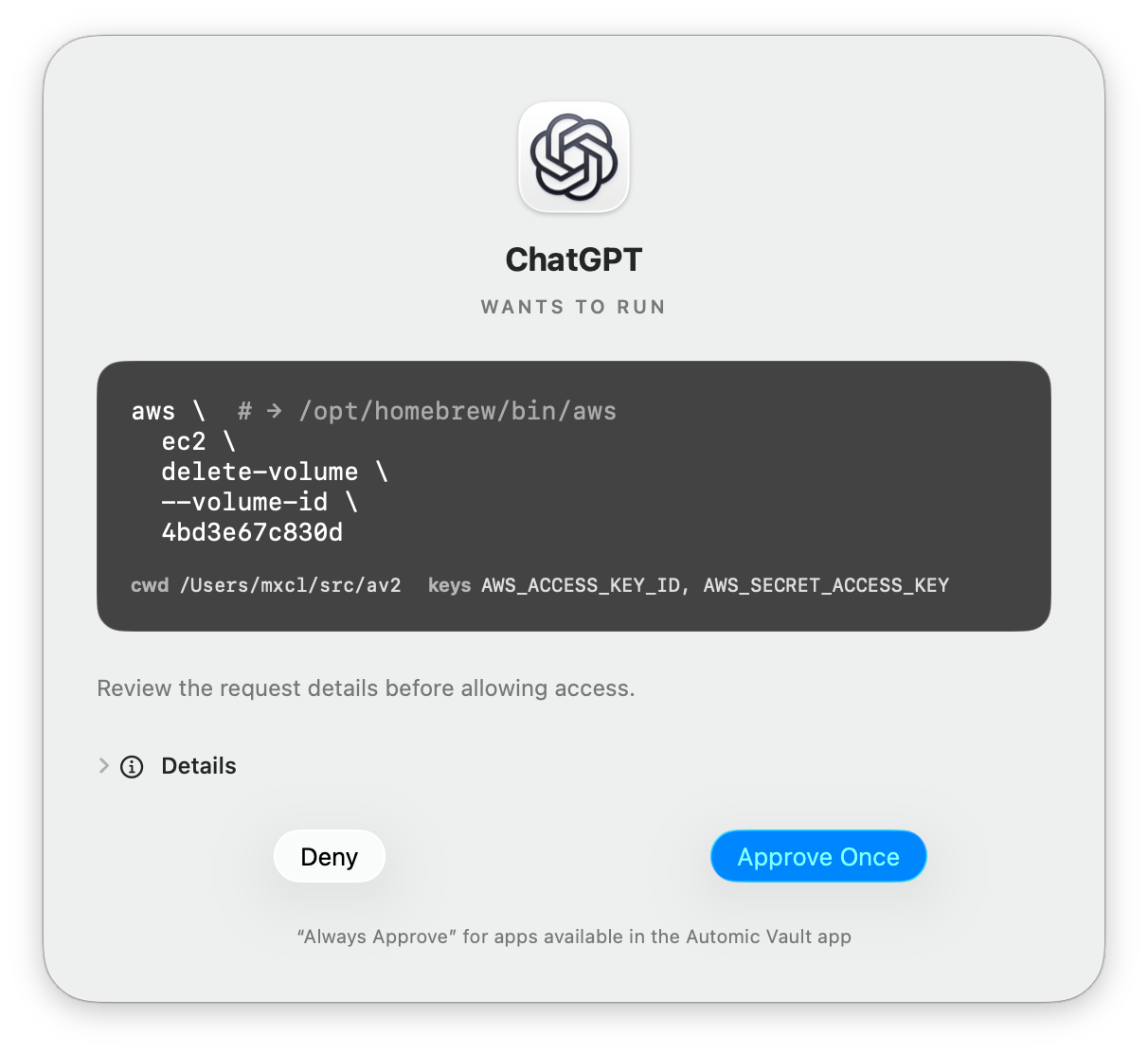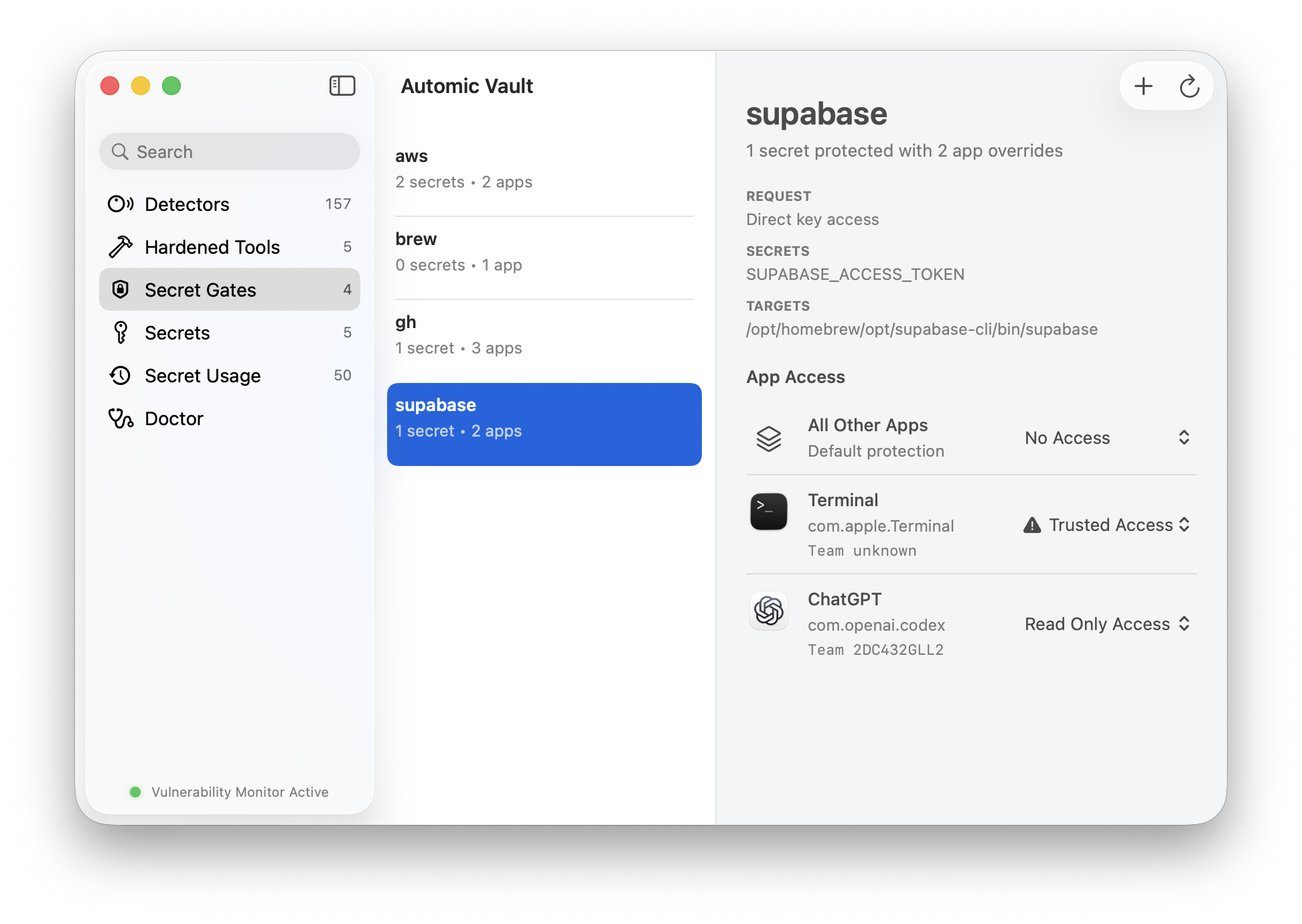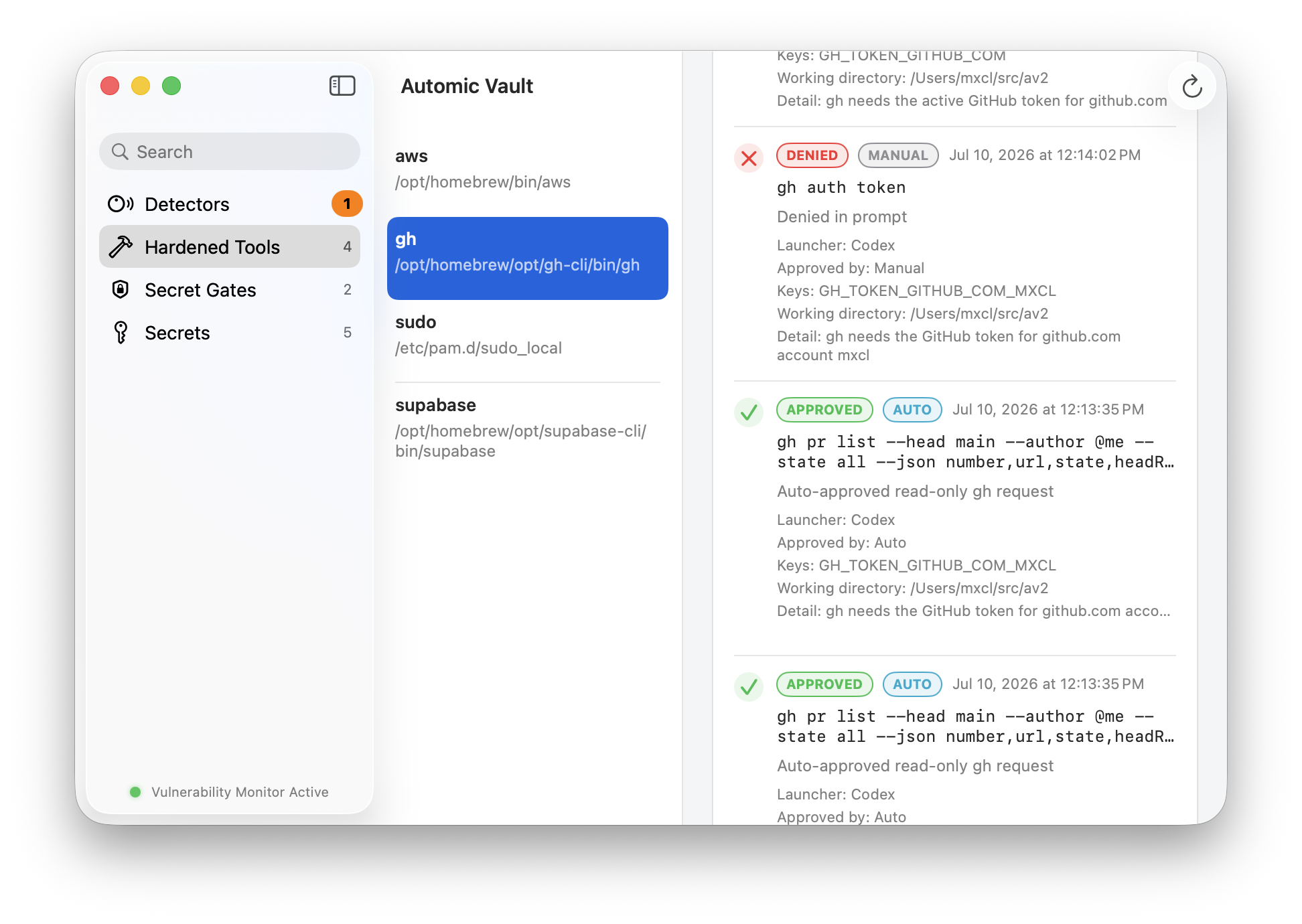
Search packages, inspect hazards, approve installs.
The app stays close to the workflow: package metadata, hazard notifications, security notes, and privileged install approval live in one local Mac interface.
From the Creator of Homebrew
Install the local security layer for Homebrew packages, CLI secrets, and agent-triggered commands before the next agent run.
curl -fsSL https://automicvault.com/install.sh | sh && av open
$ av scan
found ~/.aws/credentials
found ~/.npmrc
hazard: agent-readable token paths
$ av harden gh awscli npm
stored supported secrets in Keychain
rewrote helpers for approved runtime access
01 · Included
Automic Vault is not just a download link. It installs the macOS control surface, the command-line tool agents will encounter, and the package boundary that keeps mutable toolchains visible.
The app stays close to the workflow: package metadata, hazard notifications, security notes, and privileged install approval live in one local Mac interface.
av where agents work.Scan, harden, install, approve, and open the app from the terminal session where tool calls happen.
Install familiar Homebrew, npm, and PyPI packages with ownership boundaries that are easier to inspect.
Credential files, package state, and local config hazards are surfaced before an autonomous coding run starts.
02 · First run
The first useful run is deliberately small: scan what your Mac already exposes, harden the supported credentials, then keep the app running for new package and secret hazards.
Run the scanner before the next autonomous coding session and review plaintext credential files, package hazards, and approval opportunities.
Use av harden to replace easy-read files with Keychain-backed helper flows for supported tools.
New installs, stale tools, and fresh config can reopen holes. The app keeps reporting changes as they appear.
$ av open
Automic Vault.app ready
$ av scan --plain
~/.npmrc token detected
~/.netrc credential detected
~/.aws/credentials detected
$ av harden npm awscli gh
Keychain-backed helpers installed
old plaintext paths removed where supported
03 · Package surface
Automic Vault keeps normal developer tooling familiar while making package-owned secrets, helper protocols, and command approval points visible at the local execution layer.
Rules rotate through helper protocols, temporary homes, Keychain-backed tokens, and plaintext hazard detection.
GitHub tokens saved in Keychain and injected only for gh commands
awscliAWS keys moved from ~/.aws/credentials to credential_process
curlnetrc and curlrc credentials detected as hazards
gitplaintext credential-store files flagged before agent runs
npmregistry tokens mounted through a temporary npm config
04 · Download FAQ
The download includes the native app, av, scanner workflows, approval gates, and Nucleus package controls for local developer tools.
You can keep using the tools developers already use. Automic Vault adds detection, hardening, and approval around the package and secret paths agents can reach.
1Password, HashiCorp Vault, and cloud secret systems can remain the source of truth. Automic Vault controls the local moment when a CLI, script, or package command tries to receive those credentials.
Automic Vault is maintained by Max Howell, creator of Homebrew. Source, issues, security disclosure, and licensing live in the public GitHub project.
Free and open source