No plaintext handoff
Sensitive values should not live in `.env`, shell profiles, or CLI config files an agent can read directly.


Security model
Automic Vault protects macOS developer machines by moving secrets out of plaintext files, injecting approved credentials into trusted tools, and gating sensitive commands before they execute.
Last updated: June 3, 2026
Automic Vault is a local macOS security layer for AI coding agents. Its security model assumes the agent may read project files and invoke local tools, so secrets are moved out of plaintext files, approved credentials are injected only into trusted executables, and sensitive commands can require human approval before they run.
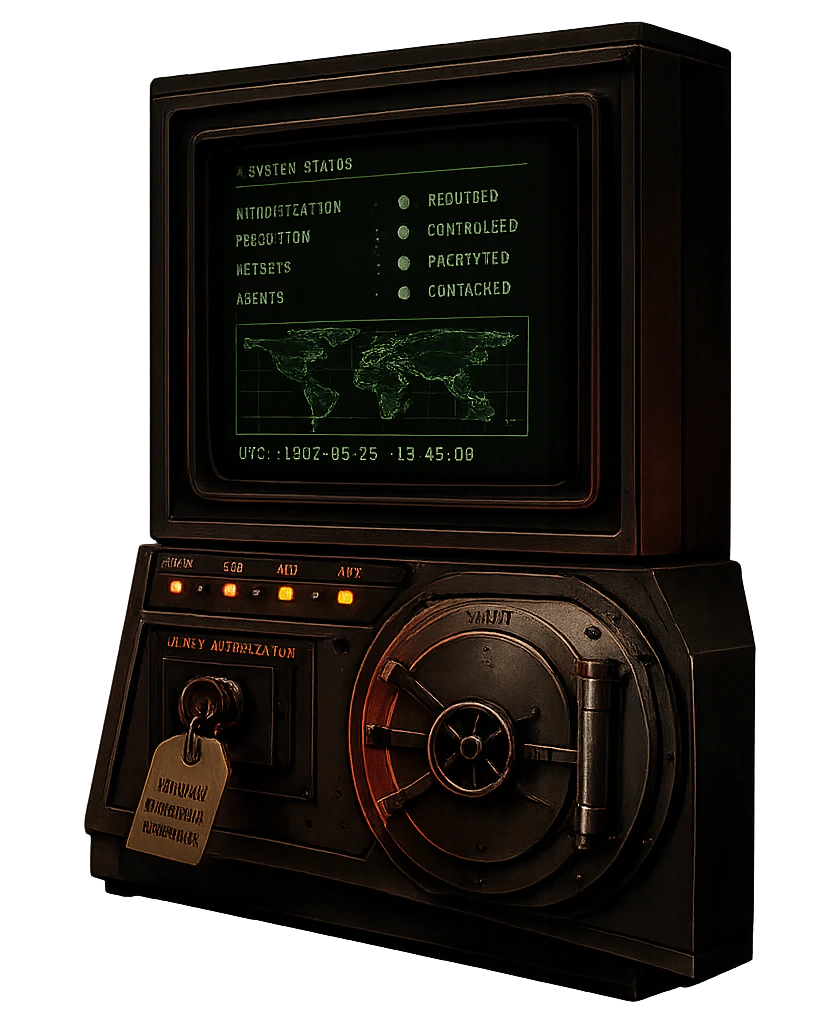
Automic Vault assumes a local AI coding agent can read project files, inspect shell configuration, run command-line tools, and accidentally expose credentials through logs or transcripts. The product reduces that ambient authority.
Sensitive values should not live in `.env`, shell profiles, or CLI config files an agent can read directly.
Approved tools receive named secrets for the execution that needs them; the model does not receive a raw value to paste or summarize.
Package publishing, cloud mutation, and token-revealing commands should be approved at the command boundary.
Release builds install under `/opt` and stub into `/usr/local/bin`; debug builds use `/tmp/opt` and `/tmp/usr/local/bin`.
Automic Vault is open-source software. Use the public repository for source review, issue reporting, and release tracking. Do not include live secrets, cloud account identifiers, private keys, or unreleased exploit details in public issues. If a report requires sensitive material, open a minimal public issue asking for a private reporting channel.
Read the candid methods, caveats, holes, successes, and hardening roadmap.
Source repositoryReview source, releases, and implementation details.
Issue trackerReport defects and security-sensitive behavior without including credentials.
Operational trust notesRead current boundary notes for keychain access, SSH sessions, and approved execution.
security.txtMachine-readable disclosure and policy location.
The public GitHub repository holds the code, tags, releases, issues, and license terms. Download links on this site point to the published macOS release artifact, and the app version is derived from the repository's Cargo metadata during deployment.
| Trust signal | Where to check it |
|---|---|
| Source code | github.com/automic-vault/automic-vault |
| Version | The deployed site stamps product schema and LLM metadata from Cargo.toml. |
| Releases | Use GitHub releases and tags to inspect published builds and source history. |
| License | Apache License 2.0, governed by the repository license text. |
Automic Vault is not a hosted SaaS vault. The website is static, while the product focuses on local storage, local command execution, and local approval decisions on macOS.
Secrets are intended to move out of readable project files and into local keychain-backed storage.
Approved command-line tools receive named credentials for the execution that needs them.
The model should not receive raw token values to quote, summarize, or paste elsewhere.
Commands that mutate cloud, source, packages, or credentials can be reviewed before execution.
Automic Vault is young open-source software, so the safest security reference is the current public release and source tree. Reports should identify the version, macOS version, command being run, package or tool involved, and whether the behavior requires a local agent, local shell access, or an already-approved credential.
Include the app or CLI version from av --version, the download page, or the relevant Git tag.
Show whether the issue involves file reads, keychain-backed storage, package roots, command approval, or shell installer tracing.
State whether the model can read a value directly, whether a tool can receive it, or whether a command can reveal it.
Use fake tokens and sanitized paths in public reports; avoid posting live keys, account IDs, or private repository details.