Approve before mutation
Gate actions that can publish, deploy, delete, reveal, or change privileged state.

PAM for autonomous execution
For agents, privileged access is often a tool invocation: gh, aws, npm publish, or a deploy script. Automic Vault puts approval where that authority is used.
Last updated: May 24, 2026
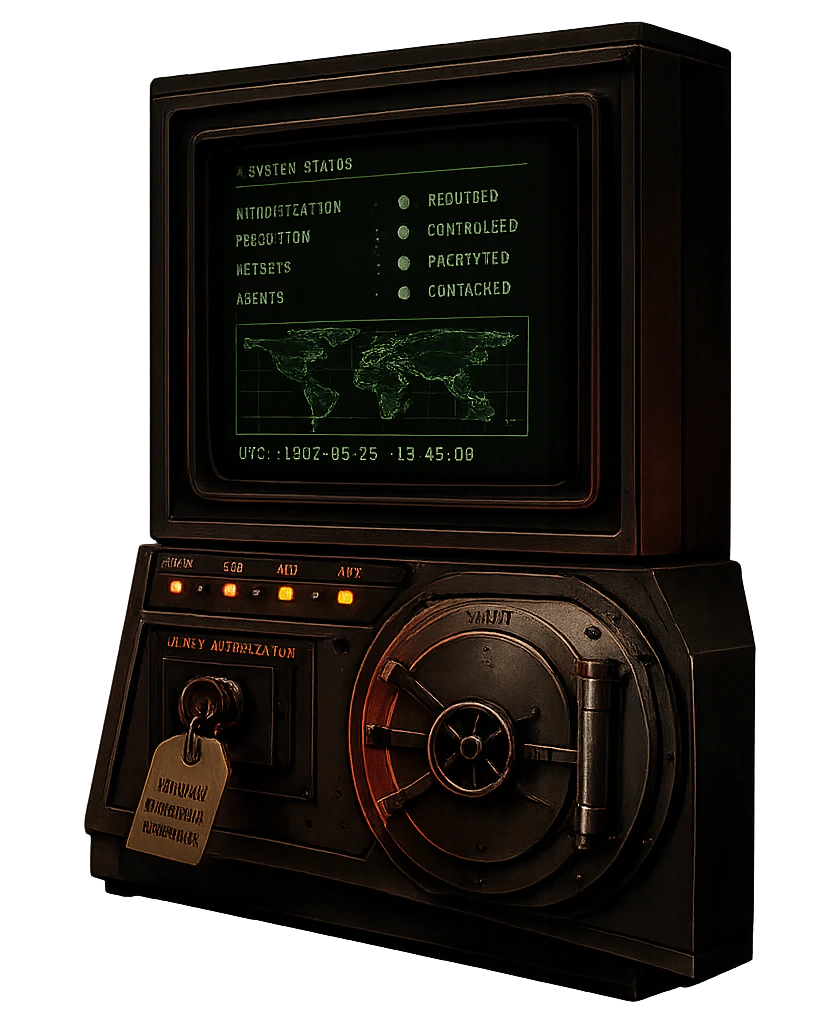
Privileged access management for AI agents starts with local tool execution. Automic Vault gates commands such as gh, aws, npm publish, and deploy scripts where the developer machine exercises authority.
Agent PAM
An autonomous agent may already be inside a developer session. The control point becomes the command it is about to run and the credentials that command can use.
Gate actions that can publish, deploy, delete, reveal, or change privileged state.
Keep secrets out of the transcript and inject them only into approved executables.
Controlled package roots make it harder for an agent to rewrite the tool that receives privilege.
The decision should name the executable and action instead of asking whether the agent is trusted in general.
Translation
A saved API key, CLI token, registry credential, or cloud credential.
The tool invocation an agent attempts to run with that privilege.
A human decision tied to executable path, command context, and secret scope.
Related protections