Gate the executable
Mediate host tool execution instead of trusting every agent policy setting.


Human approval for agent commands
Agent-side prompts are useful, but they live inside the agent. Automic Vault adds approval beneath the agent, at the tool and secret layer.
Last updated: June 4, 2026
AI agent approval gates are strongest when they run at the tool layer. Automic Vault shows the sensitive command before execution so approval is tied to the executable, command path, and requested capability.
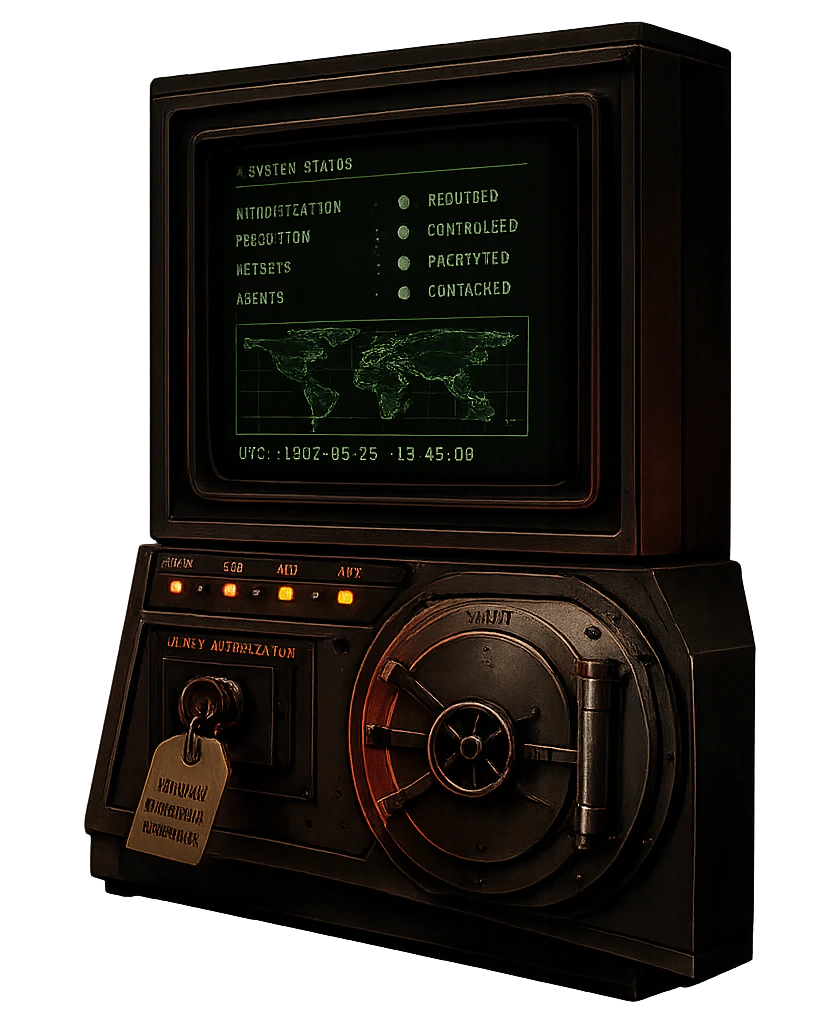
Wrong layer
Allowlists and model prompts help, but they depend on the same session making the plan. Risky tool use needs a checkpoint below that layer.
Mediate host tool execution instead of trusting every agent policy setting.
Inject secrets only when an approved target path receives the named keys.
Root-owned package roots reduce accidental or malicious tool rewrites.
Show the action that will run so approval is about behavior, command path, and blast radius.
Use cases
An agent tries npm publish, twine upload, or another release command.
An agent tries to print tokens with commands such as gh auth token.
An agent tries AWS commands that can inspect, mutate, or delete infrastructure.
Before / after
A prompt-level approval says the plan looked reasonable. A tool-layer gate says the exact executable, path, arguments, and secret access are acceptable right now. That distinction matters when a benign plan turns into a destructive CLI call.
The agent gets broad shell access after one high-level confirmation, then runs git push, npm publish, or aws s3 rm inside that open session.
Automic Vault pauses sensitive tool use and shows the command at execution time, including which credential or protected package path will be used.
Run agent work through av contain, then require approval for publish, delete, deploy, credential export, and cloud mutation commands before they execute.
Related protections
FAQ
It should review the concrete executable, command path, arguments, and requested capability before a sensitive local action runs.
The prompt states intent. The command modifies credentials, repositories, package registries, and cloud accounts.
Start with deploys, package publishes, source-control writes, cloud CLIs, credential exports, and shell installers.