
Secrets manager comparison
Automic Vault vs Infisical
Infisical has deep server-side policy and dynamic credentials. Automic Vault adds the missing local question: which verified Mac app may use a developer Secret for this operation?
Published August 14, 2026 · Source checked against current product documentation
Choose Infisical for centralized secret administration, self-hosting, workload authentication, fine-grained path permissions, and leased dynamic credentials across infrastructure. Choose Automic Vault to harden a Mac developer toolchain and bind local Secret Use to a Verified Launcher, exact Target, and classified operation. Infisical has the broader secrets platform. Automic Vault has the tighter local execution model.
Infisical Authorizes People and Machine Identities
RBAC and pathsInfisical roles use subject, action, and object permissions. A role can grant actions such as reading a secret value or leasing a dynamic secret within selected projects, environments, and secret paths. Machine identities authenticate through methods suited to their workload, including Universal Auth, cloud IAM, Kubernetes, OIDC, and others.
Infisical describes machine identities as permission-based rather than tied to one physical machine. Workloads with the same permission set can share an identity. That model scales across clusters and clouds, but it does not distinguish Terminal from Codex on one Mac.
For Universal Auth, a client ID and client secret produce an access token. The CLI accepts that token through INFISICAL_TOKEN or --token. Any local process that obtains the token can make the requests its identity and role allow until the token expires or is revoked.
infisical run Delivers a Secret Set
environment and pathA developer logs in, initializes a project, and runs an application beneath the CLI. The checked-in .infisical.json contains non-secret project settings. Flags choose an environment, one or more paths, and optional tags.
infisical run --env=dev --path=/apps/api -- npm testBy default, the command fetches all secrets in the selected path, includes imported secrets, and exposes them as environment variables to the child process. Tags can filter the set. The child, its libraries, and helpers can read every injected value. infisical secrets and dynamic-secret lease commands can also return raw values through the CLI.
Infisical policy can make the path small and the access token short-lived. It does not inspect whether the child will perform a read, change local files, mutate a remote system, or disclose a reusable credential.
Dynamic Secrets Are an Infisical Strength
leases and revocationInfisical can generate credentials on demand for supported systems. A PostgreSQL dynamic secret, for example, creates a database user under a configured role and returns a lease with a TTL. The CLI can create, list, renew, and revoke leases. Operators can rotate workload credentials before expiration.
Automic Vault's AWS gate exchanges protected long-lived keys for temporary STS credentials and supports role profiles, but Automic Vault is not a general dynamic-secret server. It does not provision database users across a fleet or give platform teams centralized lease administration.
Short-lived credentials limit damage after theft. They still carry their upstream permissions for the lease lifetime. Automic Vault addresses the step before issue or application on a Mac: the gate checks the Verified Launcher and operation before allowing the Target to receive authority.
Automic Vault Authorizes the Local Operation
launcher, target, commandA Tool-specific Secret Gate receives an immutable request containing the Launcher, Gate Client, Target, command, arguments, working directory, Secret Names, and process identity. Automic Vault verifies the live Launcher's code signature, designated requirement, and Hardened Runtime posture.
Each gate owns policy with a default and rules for individual Verified Launchers. Recognized reads may proceed from an agent while remote writes require Approval. Secret Disclosure and Elevated Secret Application can remain gated even when normal writes are allowed. Unknown risk prevents automic authorization.
Infisical can restrict secrets/readValue to one path. Once granted, the identity may retrieve the value for any purpose. Automic Vault can allow a supported Tool to apply one Secret without granting that Launcher a generic API that loads arbitrary Secret bytes.
Automic Vault Repairs Ambient Credential Paths
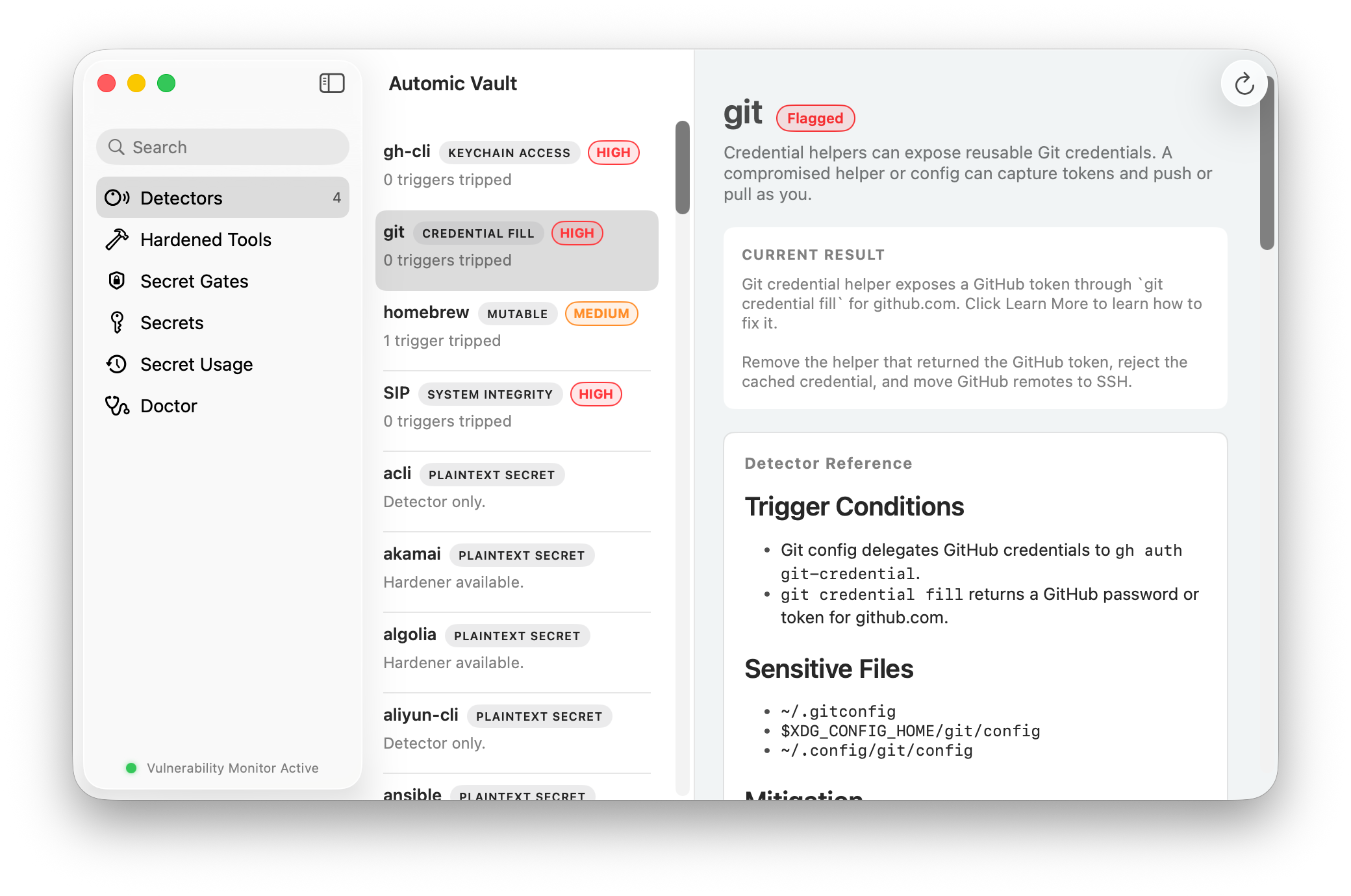
detectors and hardenersInfisical helps a team move application values into a central system. Automic Vault inspects the local developer environment for supported plaintext files, environment variables, permissive Keychain items, helper commands, and unsafe configuration.
A Hardener migrates or reconfigures a supported Tool and may install a wrapper, verified vendor release, or signed Isotope. Doctor checks code identity, ownership, permissions, dependencies, content, and command resolution. The original command remains the interface for developers and agents.
Infisical wins on organization-wide secret lifecycle and infrastructure integrations. Automic Vault wins on the workstation cleanup and enforcement beneath existing developer Tools. Both projects publish source and support self-inspection, but they protect different boundaries.
Which One Fits?
platform control or endpoint controlSecrets platform
Use RBAC, machine authentication, audit logs, dynamic leases, SDKs, operators, and self-hosting across infrastructure.
Mac execution boundary
Find exposed developer credentials, harden supported Tools, and classify Secret Use by Launcher and operation.
Layer the controls
Use Infisical for deployed workloads and Automic Vault for local developer credentials whose use needs endpoint policy.
A team that needs dynamic database credentials should choose Infisical. A Mac developer who needs Codex to inspect GitHub without inheriting permission to push or dump the token needs the boundary Automic Vault provides for supported Tools.