
Secrets manager comparison
Automic Vault vs Doppler
Doppler gives a developer or service token access to a project config. Automic Vault evaluates the local operation that wants to use each Secret.
Published August 14, 2026 · Source checked against current product documentation
Choose Doppler when a team needs one cloud-managed source of truth for application configuration across laptops, CI, staging, and production. Choose Automic Vault when a Mac must decide which signed Launcher may use a developer credential for which command. Doppler's useful boundary is the project config. Automic Vault's useful boundary is the local operation.
Doppler Authorizes a Config
project and environmentdoppler login creates a CLI API token for local development. doppler setup associates a directory with a project and config such as api/dev_personal. doppler run fetches that config and starts a child with its values as environment variables.
doppler setup
doppler run -- npm test
The directory mapping reduces mistakes; it is not a security identity for the local process. A process running as you can invoke the CLI from that directory. Doppler also documents doppler configure get token --plain, which returns the CLI token for API use. An agent that can run that command inherits the token's Doppler permissions.
Doppler Service Tokens provide a tighter production model. A token starts with read-only access to one config, may receive write access, and may expire. The CLI can persist it with a filesystem scope, receive it through DOPPLER_TOKEN, or accept it as an argument. An ephemeral Service Token can last one minute. These controls narrow time and stored-object access without identifying the signed app or intended command on a Mac.
Environment Injection Trusts the Child
all selected valuesDoppler supplies the selected config as environment variables. This gives frameworks a universal interface and removes plaintext .env files. It also gives the entire child process, its plugins, helpers, and descendants the selected values. Doppler supports one-off retrieval too: doppler secrets get NAME --plain returns a raw value.
Project and config design determine the blast radius. A small config and a read-only token are safer than one workplace token with broad access. The access decision still occurs before Doppler knows whether aws will inspect an account, delete a volume, or print a reusable key.
Automic Vault also hands a Secret to a Target and cannot control the Target after receipt. Its Tool-specific gates reduce what reaches that point by classifying the complete operation first. Write Access may permit recognized mutations while still requiring Approval for Secret Disclosure or Elevated Secret Application.
Policy Follows the Verified Launcher
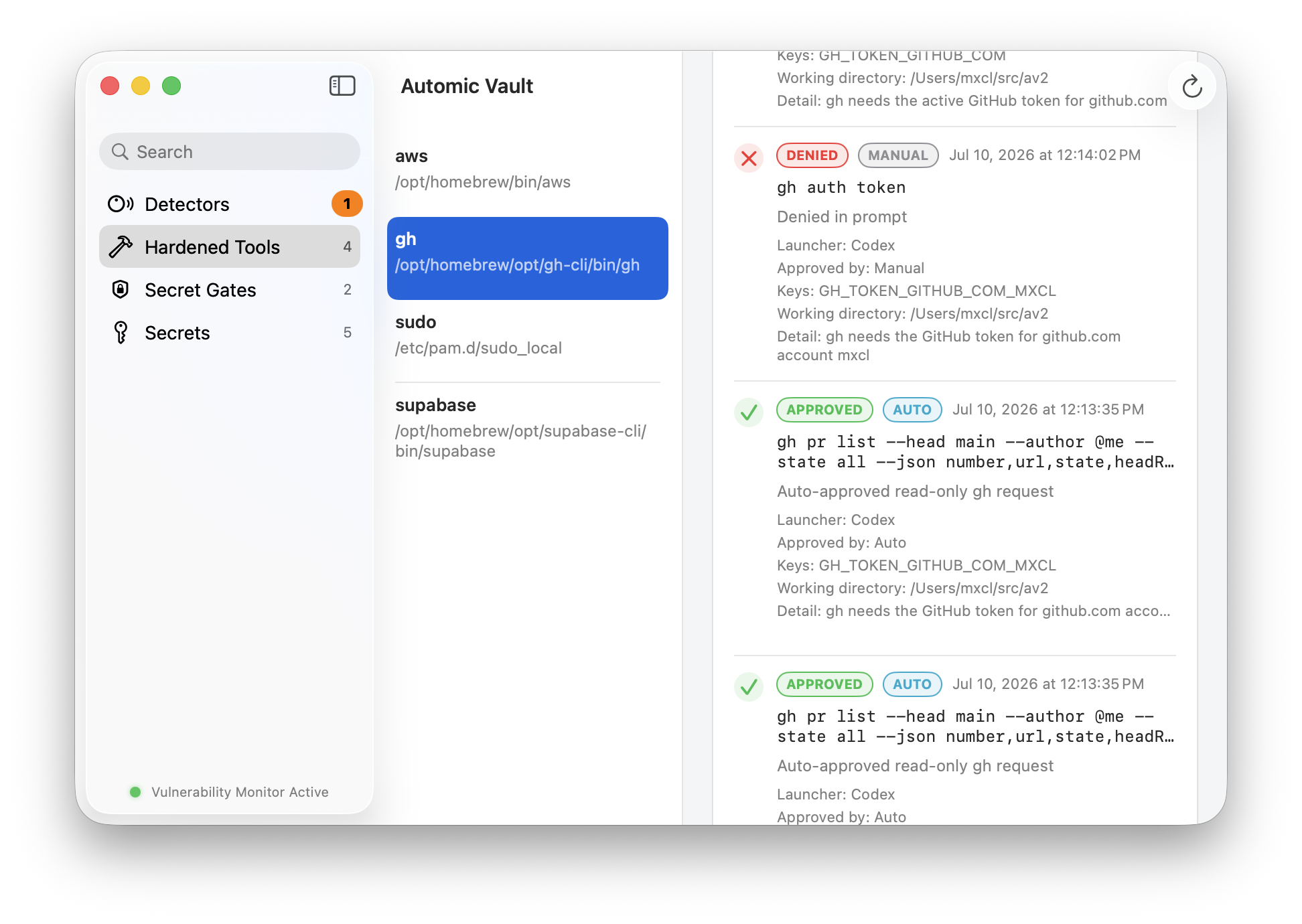
Terminal differs from an agentAutomic Vault traces the live process chain to a Launcher such as Terminal, Codex, or an editor. It verifies the Launcher's code signature, designated requirement, and Hardened Runtime posture. A policy rule belongs to one Authorization Gate and one Verified Launcher.
The resulting Authorization Request also binds the Gate Client, exact Target, arguments, working directory, Secret Names, and process identity. Approval permits that immutable request once. Automic authorization applies a durable Access Level only to operations whose characteristics the Tool gate recognizes.
A Doppler developer token answers “may this identity read this config?” Automic Vault answers “may this verified Launcher apply these Secret Names to this Target for this operation?” The questions overlap, but the second protects against an agent or compromised dependency already running with your user privileges.
Automic Vault Starts Before Storage
find, migrate, verifyDoppler gives teams a clean destination and encourages removal of local .env files. Automic Vault starts by scanning the existing developer environment. Its Detectors report supported plaintext files, inherited environment variables, permissive Keychain items, helper commands, and unsafe tool configuration.
A Hardener moves a supported Tool toward declared security invariants, sometimes with a wrapper or signed Isotope. Doctor verifies the installed identity, ownership, permissions, dependencies, content, and command resolution. This covers the credential paths developers already forgot they had.
Doppler wins on shared configuration workflow, cross-platform delivery, and consistent environments. Automic Vault wins on local remediation and Tool-specific execution control. Automic Vault does not try to become a hosted configuration service.
Generic Secrets Remain Generic
the honest limitav inject handles a Secret that lacks a Tool-specific Hardener. The Direct Secret Gate starts at Approval Required. A Direct Access Rule may bind one exact Secret Name to one Verified Launcher, but the Launcher then chooses future Targets and arguments. Automic Vault classifies that as Unconstrained Secret Application.
Doppler's generic environment model is often easier for an application with dozens of settings. Automic Vault's safer automation path is an exact Blessed Script whose contents, path, Secret Names, Target, options, and gate capabilities are bound into its Blessing. Editing the script invalidates it.
Neither model erases application design. Use Doppler configs for application configuration. Prefer an Automic Vault Tool gate when a supported local CLI can expose a narrower operation boundary.
Which One Fits?
team config or Mac authorityCentral application config
Share environment-specific values across developers, CI, and runtime systems with scoped service tokens.
Local developer operations
Harden supported Tools and set distinct policy for Terminal, agents, editors, and unknown Launchers.
Different credential classes
Keep deployed application config in Doppler and local developer authority behind Automic Vault gates.
Automic Vault is local, macOS-only, and intentionally narrow. Doppler is a hosted, cross-platform configuration platform. The decisive question is whether you need to scope stored values to an environment or scope local Secret Use to an operation.